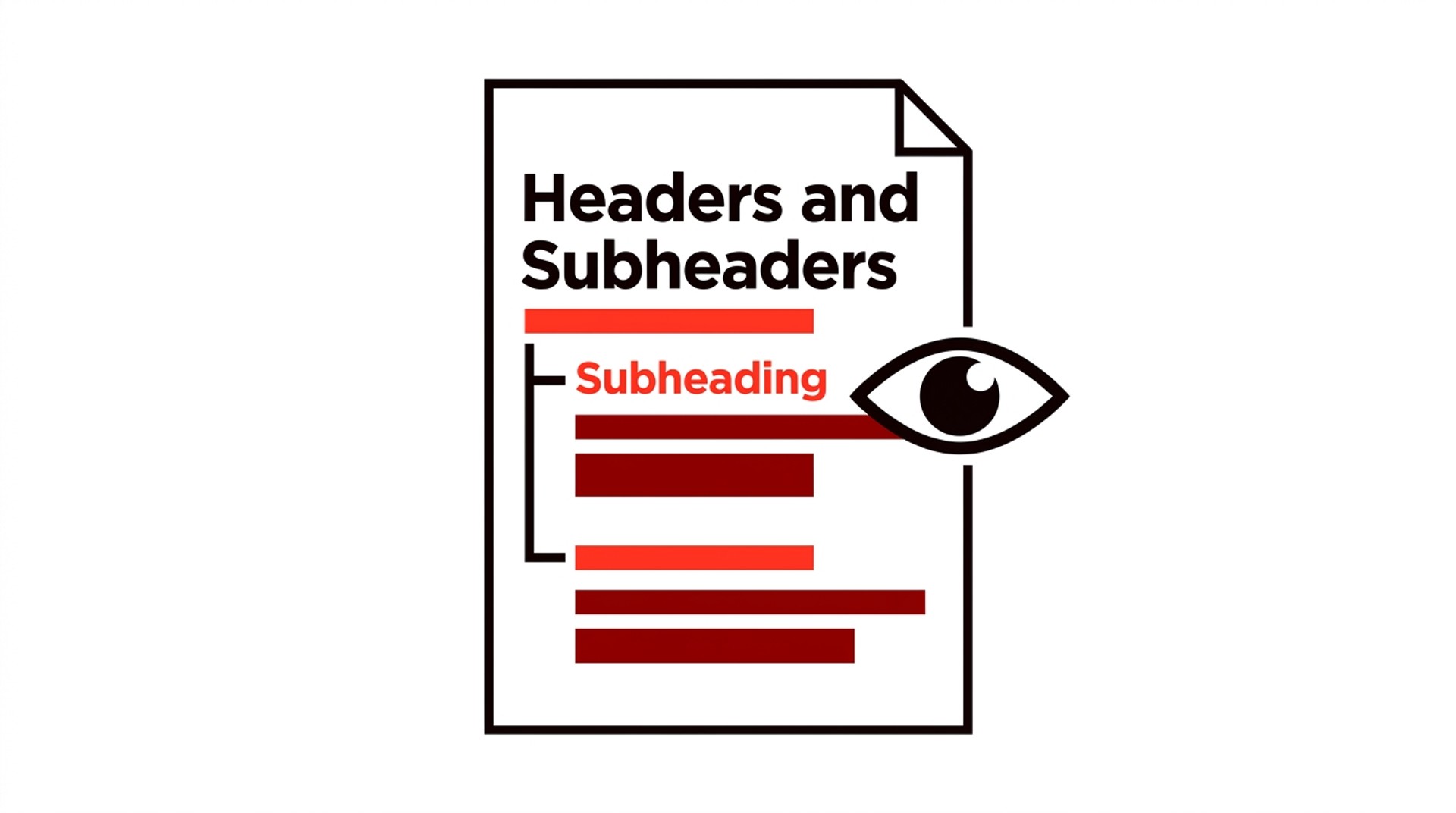
Headers and Subheaders: What They Are, How They Work, and Why Getting Them Wrong Costs You Readers
Headers and subheaders help readers and search engines follow a document. See the hierarchy, the formatting rules, and the SEO cost of getting them wrong.
Headers and subheaders are the labeled signposts inside a document — the bold, larger-type lines that break body text into named sections. A header (typically an H1 or H2 in HTML, or a top-level title in a Word document) introduces a major topic; a subheader sits beneath it, usually as an H3 or H4, carving that topic into smaller pieces. Both differ from body text in function, not just appearance — and that distinction operates in two directions at once: readers can jump to what they need without wading through surrounding prose, while crawlers read heading tags to understand hierarchy and relevance, which means a keyword that appears in an H2 carries more weight than the same word buried mid-paragraph. Headings name ideas. Body text develops them.
Most writers treat these elements as formatting decoration. That's where the losses start.
A poorly labeled section doesn't just confuse the reader who lands at the wrong place — it also signals to an answer engine that the page can't be trusted to organize its own claims. Getting the structure right is less about visual design and more about the contract you make with anyone who opens the page.
What is a header and what is a subheader?
A header is a label that names a section of a document; a subheader is a label that names a subdivision within that section. That's the whole distinction — one level up, one level down, each telling the reader what territory they're entering before they decide whether to read on.
The confusion usually comes from language collisions. "Page header" refers to the banner running across the top of a website — the logo, navigation, and branding strip — which is an entirely different creature. A title tag lives in browser metadata. Neither is what writers mean by headers and subheaders in the context of document structure.
Both types work as signposts. The visual cue — larger type, heavier weight, more whitespace above — is the surface signal your eye catches first. Underneath that, there's a structural hierarchy: H1 for the document title, H2 for main sections, H3 for subdivisions of those sections, and so on. Strip the styling entirely. The hierarchy should still hold, because formatting reflects structure rather than replacing it — and that underlying organisation, invisible to most readers but legible to every crawler and screen reader, is where the actual meaning lives.
What's the difference between headings and subheadings?
Every subheading is a heading, but not every heading is a subheading — the distinction is positional, not categorical. A heading becomes a subheading the moment it sits beneath a higher-level one.
Think of it as a strict hierarchy. The H1 is the document title, appearing once per page. H2s are the main structural sections — the chapters, if you like. H3s are the subdivisions inside those chapters, and this is where "subheading" most commonly applies in practice, though writers often use the terms interchangeably without meaning to.
A pricing page makes this concrete. An H2 that reads Pricing Plans is a main section header. Beneath it, Monthly and Annual as H3s are subheaders — they belong to that section and couldn't logically stand alone at the same level as it. Remove the H2 and the H3s lose their anchor.
The word "headings" is the umbrella term covering all levels. "Subheadings" describes any heading that lives beneath another — so an H3 is a subheading relative to its H2, and that H2 is a subheading relative to the H1, depending on where you're standing in the tree.
⚠️ One pitfall worth flagging: jumping from H1 directly to H4 may look harmless on screen, but it breaks the logical structure that both readers and search engines use to understand how the content is organised. Visual styling hides the gap; the document hierarchy doesn't.

Subheading examples across different document types
Subheadings look different depending on the document, but their job is identical in every case: a reader who skips the body text should still understand exactly what that block covers.
In a web article on writing cover letters, the H2 might read How to Write a Cover Letter, broken into H3s: Opening paragraph, Middle section, and Closing line. Each H3 is a self-contained signal. Someone scrolling on a phone can land on "Closing line" and immediately know they're in the right place without reading back up the page.
An academic paper follows the same logic with more formal labeling. A Methods section (H2) typically contains Participants, Materials, and Procedure as H3 subheadings — labels peer reviewers use to verify the paper's structure before reading a word of the prose underneath, because they absolutely do skip around, and a vague heading like "Study Design" gives them nothing to latch onto.
Business reports apply this at the executive level. An Executive Summary (H2) might split into Key Findings and Recommendations as H3s. That division isn't decorative. It reflects the fact that a CFO scanning the document before a board meeting wants findings and actions kept separate — two distinct cognitive tasks — rather than blended into a single narrative paragraph that forces her to extract both at once.
Across all three, the pattern holds: the more specific the subheading, the less the reader has to trust the prose to deliver on it.
How headers and subheaders affect SEO — and where most writers get this wrong
Search engines use heading tags to map a page's topic structure — H1 signals the primary subject, H2s carve it into sections, H3s narrow each section further — and that map shapes both ranking signals and the likelihood of appearing as an extracted answer. The SEO role of headers and subheaders is real, but probably not in the way most guides describe it.
The honest version: crawlers read heading hierarchy to understand what each chunk of content is about, not just what keywords appear in it. A page with a single, clear H1 and logically nested H2/H3s tells Google's parser something useful about structure. One H1 per page. Multiple H1s used to be flagged as a technical error, and while modern crawlers handle the ambiguity, the hierarchy collapse still muddies the signal in ways that quietly accumulate — degrading topical clarity across the whole document, not just the sections where the duplication occurs.
Where most writers go wrong is treating H2s and H3s as extra keyword slots. Mild keyword relevance in subheadings does carry some signal — a section headed "How to reduce churn in SaaS" will outperform "Other considerations" for that query, all else being equal — but the benefit doesn't compound with repetition. Stuffing the same phrase into every subheading degrades readability, and that feeds directly into bounce rate, which is the behavioral signal that actually shifts outcomes. Structural clarity is partly the point: cleaner headings keep readers on the page longer, and the SEO gain from that is more reliable than any keyword-density effect inside the tags themselves.
Well-formatted headings also raise the odds that a passage gets lifted into a featured snippet or People Also Ask result. Google's passage-indexing systems extract answer-shaped blocks. A clearly labeled H2 followed by a tight explanatory paragraph sitting inside a logically organized document — one where the surrounding hierarchy reinforces rather than contradicts the section's focus — is close to the ideal extraction target. If you're building that discipline from scratch, the practical guidance in this SEO copywriting training resource covers how heading structure feeds into snippet eligibility and on-page copy decisions together.

APA headings and subheadings format: what the rules actually require
APA 7th edition uses five heading levels, each visually distinct, and the formatting differences are not optional — they are the specification. The table below lays out exactly what each level requires:
Level | Alignment | Style | Example |
|---|---|---|---|
1 | Centered | Bold, title case | Introduction |
2 | Left-aligned | Bold, title case | Data Collection Procedures |
3 | Left-aligned | Bold, italic, title case | *Participant Recruitment* |
4 | Indented | Bold, title case, ends with period | Screening Criteria. |
5 | Indented | Bold, italic, title case, ends with period | * Initial Telephone Screening.* |
Levels 4 and 5 are paragraph-level headings — the section text begins on the same line, immediately after the period.
The rule most writers miss: a section cannot have exactly one subheading. APA requires either two subdivisions or none. If you have a Method section with only one subsection, collapse the subheading into the prose or create a second subdivision — because a single dangling Level 2 beneath a Level 1 section violates the standard outright, regardless of how cleanly the section reads otherwise.
In practice, most undergraduate papers need only Levels 1 and 2. Level 1 carries the canonical section names. Level 2 handles subdivisions within them, and you should descend to Level 3 only when those subdivisions themselves split into distinct parts requiring separate treatment — in most papers, they do not.
Does heading depth actually change how readers behave?
Yes, and the pattern is consistent: readers scan heading text before committing to a paragraph, but that scanning behavior drops off sharply past H3. An H4 buried inside a nested section rarely registers as navigation — it reads as bolded prose at best, invisible at worst.
For long-form web content, three levels is about the practical ceiling. Past that, readers lose the map. The structure meant to guide them starts to signal complexity instead of resolving it — and what began as a navigation aid becomes a source of friction that pushes people toward the back button. Bold Pilot's data, drawn from 130 published articles, puts the median piece at 3,480 words, squarely in the range where heading architecture determines whether someone reads on or closes the tab and moves to the next result. At that length, a flat H2-only structure often outperforms a deep H2/H3/H4 tree, because every visible heading functions as a re-entry point rather than a subordinate clause inside a hierarchy most readers will never consciously trace.
Academic and technical documents are a different case. Readers treat them as reference material, navigating by section number rather than reading linearly, so deep hierarchy earns its keep there — on a blog post, it rarely does.

How to write header and subheader text that actually works
Literal headings outperform figurative ones almost every time — for skimmers, for search engines, and for answer extraction. "How to format APA headings" tells a reader exactly what they're getting; "Getting the Structure Right" could describe anything from tax filings to fence posts.
On length, the 4–8 word range is a useful target. Too short and the heading is vague. "A complete guide to writing better document headings for every platform" swings the other direction — it survives a desktop screen but collapses on a phone, where readers need to absorb the heading in a single pass rather than parse it like a sentence.
Question-form headings match conversational queries closely, which makes them stronger candidates for featured snippets. The tradeoff is that all-question heading structures can feel monotonous at scale — so mixing question H2s with noun-phrase H3s often works better than committing one format to every level.
💡 Parallel structure within a level matters more than most writers realize. If your H3s start as questions, keep them as questions throughout that section — inconsistency signals a disorganized document, and readers notice even when they couldn't articulate why.
At scale, enforcing these conventions manually breaks down fast. When a team is publishing dozens of articles a month, heading style drifts. Some writers go figurative. Others forget parallel structure entirely, and the style guide sits unread in a shared folder somewhere — which is less a discipline problem than a systems one, because no individual writer can hold every convention in working memory across fifty documents a year. Bold Pilot's AI writing workflow is one option for teams trying to maintain consistent heading structure across high-volume output. The honest limitation: it suits teams with an established editorial direction already in place. If your heading conventions aren't defined yet, the tool will reflect that inconsistency rather than resolve it.
FAQ
What is a header and subheader?
A header is a title or label that introduces a section of a document, telling the reader what that section is about before they read a word of it; a subheader is a secondary heading that breaks that section into smaller, more specific parts. In a web article, the page title is typically the top-level header, and each section beneath it carries a subheader — together, they form the navigational skeleton of the piece.
What's the difference between headings and subheadings?
Headings and subheadings describe the same elements from two different angles: "heading" describes the structural level, while "subheading" describes the relationship to whatever sits above it. An H2 is a heading relative to the page, but a subheading relative to the H1 — and an H3 is a subheading of that H2, which makes the same element both a heading and a subheading depending on where you're standing in the hierarchy.
What is a subheading example?
In a blog post titled "How to Write a Business Report," the H2 "Formatting Your Executive Summary" is a subheading of the main title, and an H3 beneath it — such as "How long the executive summary should be" — is a subheading of that H2. The same logic applies in academic papers and long-form documents: any heading that sits one level below another is functioning as a subheading, whatever the context.
How do you format headings in APA 7th edition?
APA 7th edition uses five heading levels. Level 1 is centered and bold. Level 2 is left-aligned and bold, Level 3 is left-aligned, bold, and italic, Level 4 is indented, bold, and ends with a period (with body text following on the same line), and Level 5 is indented, bold, italic, and also ends with a period. You start at Level 1 and only introduce Level 2 when the document actually requires subdivision — adding levels just to create visual variety is one of the more common APA formatting errors.
How to Choose the Right Heading Depth and Stay Consistent
The most transferable lesson across everything this article has covered is that heading conventions are not universal — they shift depending on the document type, the audience, and what the reader will do with the text. Web content rewards shallow hierarchies and descriptive, keyword-bearing phrasing because the reader is scanning for relevance before committing to a single paragraph. Academic writing, especially under APA, demands that you earn each level of depth: you cannot use a Level 3 heading without a Level 2 above it, and you start from Level 1 regardless of how many levels you end up needing. Business reports sit somewhere between the two — they have section conventions (executive summary, methodology, findings) but fewer typographic rules, which means inconsistency creeps in fast when multiple contributors work the same document.
If one decision resolves most heading confusion, it is this: pick a level system before you start writing. Decide upfront. That means settling whether your document will use two levels or four, whether H2s will be questions or statements, whether subheadings will match each other grammatically — and then holding to those choices without exception, even when the draft is pulling in a different direction. Writers who make this decision mid-draft, or who never make it consciously at all, end up with heading hierarchies that feel structurally sound section by section but read as incoherent across the whole piece.
For anyone producing content at volume — a content team publishing dozens of articles a month, or a research group generating a stream of reports — the heading decision doesn't belong in individual writers' heads. Style guides fix this. A short document that specifies the level system, the grammatical format for each level (question, imperative, noun phrase), whether sentence case or title case applies, and how deep the hierarchy goes before a bulleted list takes over from a heading will collapse most corrections before the draft ever lands in review. Teams that try to enforce consistency purely through editing cycles spend far more time correcting headings than writing them — a two-page style guide removes the bulk of that overhead.
The automation route — heading templates in a CMS, document style sheets in Word or Google Docs, linting tools that flag heading-level skips — doesn't replace judgment about what a heading should actually say. It enforces structure. What it does is maintain consistency without relying on anyone to remember the rules mid-draft, which is a different and more tractable problem than getting the wording right in the first place. That combination, a deliberate system defined once and then delegated to tooling, is what separates heading hierarchies that hold up at scale from ones that need constant correction.

📢 Share this article
📚 More articles
SEO is how pages earn organic traffic from search engines. Learn how ranking signals, content, and automation work together — including which shortcuts
Publishing the same article to multiple outlets risks penalties and broken relationships. Here's what's allowed, what isn't
Medium caps you at 2 stories per day, but publications and scheduling unlock more reach. Here's how to publish multiple articles without hitting walls.
Not all automated article writing apps work the same way. See what each type actually does, what they cost