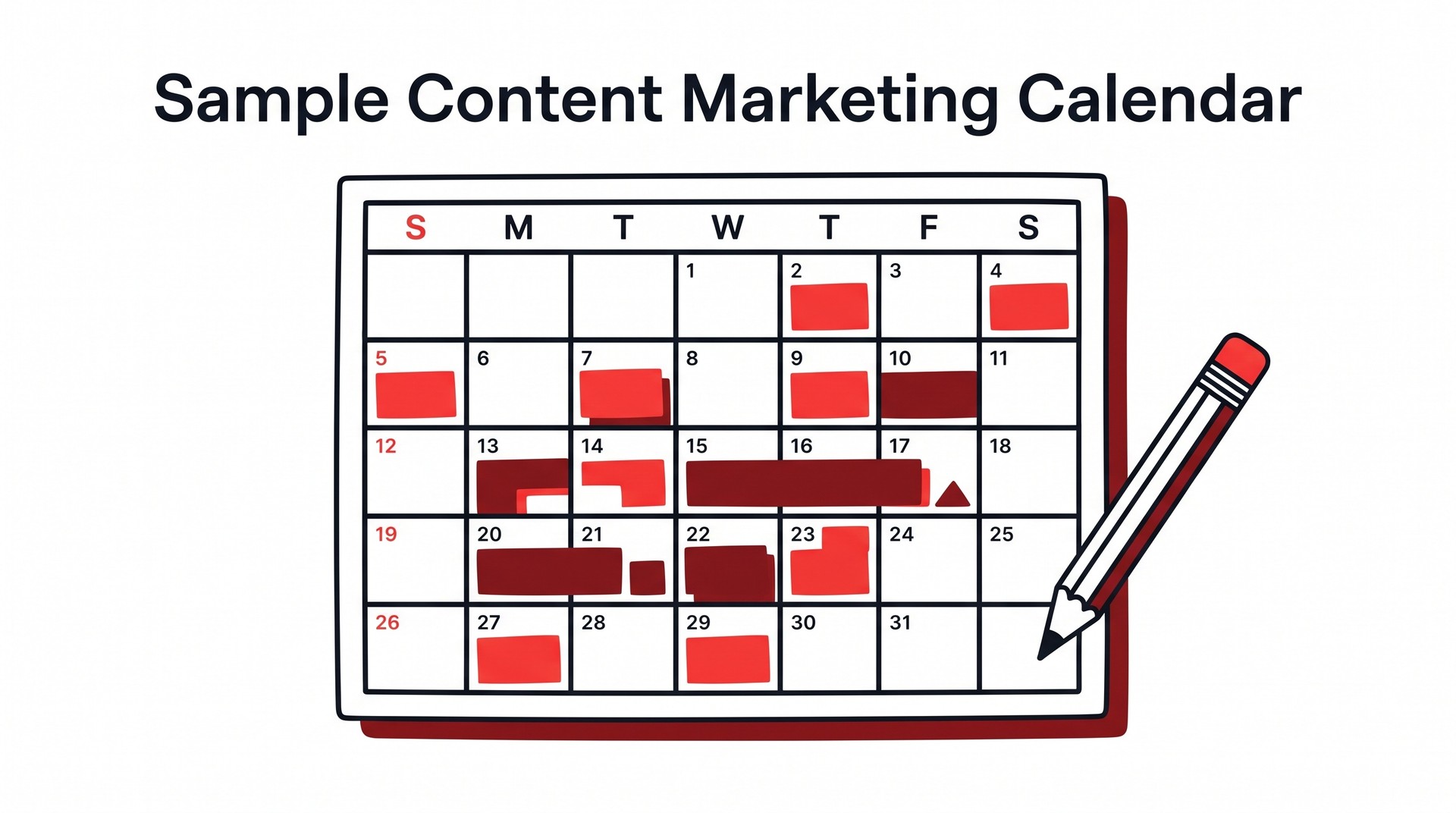
Sample Content Marketing Calendar: A Filled-In Template You Can Use This Week
See a real filled-in content marketing calendar with every field explained. Covers formats, cadence, and what to include—plus a free template to copy today.
A sample content marketing calendar is a scheduling system built around six or seven core fields: topic, target keyword, content format (blog post, video, email, etc.), publish date, distribution channel, content owner, and current status. Those fields together distinguish a working calendar from a list of editorial ideas. Without the owner field, no one knows who writes it. Without status, nothing ships on time. A filled-in row might look like: "Why B2B buyers ignore whitepapers / enterprise content strategy / long-form blog / March 12 / organic search + LinkedIn / Sarah M. / In draft." That single row tells a team everything it needs to move a piece from idea to published without a follow-up meeting.
The problem most content teams run into is that they build the list but skip the system — brainstorm fifty topics, drop them into a Google Doc, and call it a calendar. Six weeks later, three things have published and the doc is stale. A real calendar connects topics to deadlines, deadlines to people, and people to channels; that chain of accountability is what makes it a production tool rather than a wish list, and every link in it has to hold for the whole thing to work.
The sections below walk through what each field should contain, a month's worth of filled-in rows you can copy today, and how to build a cadence that doesn't collapse by week three.
What a good content marketing calendar includes
Seven fields are enough to run a functioning content calendar: publish date, topic or working title, target keyword, content format, channel, assigned owner, and status. Everything else is optional — useful in some cases, deadweight in others.
The distinction between topic and keyword trips up first-time builders more than anything else. They look like the same cell. The topic is the angle or framing — "Why B2B buyers ignore most vendor blogs" — while the keyword is the specific phrase the piece is optimised to rank for: "B2B content marketing," which is a different question entirely. One informs the writer; the other informs search strategy. Collapsing them into a single field means someone eventually writes an on-brand piece that targets nothing, or stuffs a keyword into a headline where it doesn't belong.
Status deserves its own column too, not just a color code. "Draft / In review / Scheduled / Published" tells a managing editor at a glance where everything stands; a color code means nothing when someone exports the sheet or shares it with a contractor.
Field | Required? | What it tracks |
|---|---|---|
Publish date | ✅ Yes | When the piece goes live |
Topic / working title | ✅ Yes | The angle and framing |
Target keyword | ✅ Yes | The search term the piece targets |
Content format | ✅ Yes | Blog post, video, newsletter, etc. |
Channel | ✅ Yes | Where it publishes |
Assigned owner | ✅ Yes | Who's responsible for delivery |
Status | ✅ Yes | Draft, review, scheduled, published |
Buyer stage | Optional | Awareness, consideration, decision |
CTA | Optional | What the reader is asked to do next |
Internal link targets | Optional | Pages this piece should link to |
Promotion plan | Optional | Email, social, paid — or none |
The optional fields earn their column when the team is large enough that the information would otherwise live in someone's head — a five-person content operation coordinating across three channels has a genuine case for tracking buyer stage and promotion plan. Two people don't. For a solo operator or a small team, those extra columns mostly generate overhead, and the temptation to add them anyway, just in case, is where calendars start to collapse under their own structure. If you want to see how different team sizes handle these choices, this breakdown of content calendar formats by use case covers the trade-offs clearly.
⚠️ The most common mistake is adding columns until the calendar becomes a project management system — and then nobody updates it. A calendar with seven columns that everyone maintains beats one with twenty columns that's accurate for the first two weeks and ignored after that.
A filled-in sample content marketing calendar for one month
Below is a populated four-week calendar spanning blog, email, and social — real enough to copy directly into a spreadsheet and start editing. One slot is deliberately left as TBD, because any calendar that looks perfectly resolved probably hasn't survived contact with an actual team yet.
Week | Date | Channel | Title / Topic | Keyword Target | Format | Owner | Status |
|---|---|---|---|---|---|---|---|
1 | May 6 | Blog | "How to Write a Content Brief Your Writers Won't Ignore" | content brief template | Long-form (1,800w) | Sarah | In review |
1 | May 8 | Social | "3 things a weak content brief costs you" (from blog) | — | Carousel (LinkedIn) | Jamie | Scheduled |
1 | May 9 | Social | Pull quote + link to blog post | — | Static image (Instagram) | Jamie | Scheduled |
2 | May 13 | Blog | "B2B Content Distribution: Where to Publish After You Hit Post" | b2b content distribution | Long-form (2,000w) | Marcus | Draft |
2 | May 15 | "You wrote the post. Now what?" (repurposes May 13 blog) | — | Newsletter digest | Sarah | Not started | |
3 | May 20 | Blog | "How Often Should You Publish? A Cadence Guide for Small Teams" | content publishing frequency | Long-form (1,600w) | Marcus | TBD |
3 | May 22 | Social | Stat pull from May 20 blog | — | Text post (LinkedIn) | Jamie | Waiting on draft |
4 | May 27 | Blog | "Content Audit in a Day: A Step-by-Step Process" | content audit process | Long-form (1,700w) | Sarah | Outline approved |
4 | May 29 | Monthly roundup — links to all four May posts | — | Newsletter digest | Sarah | Not started |
A few things worth tracing through this. The May 13 blog post on distribution gets converted into the May 15 email — same core argument, reframed as a question in the subject line, with roughly 300 words of new connective tissue rather than a straight paste. That's the repurposing logic made explicit in the calendar: the email column references the source asset, so whoever writes it isn't starting from scratch.
Cadence decisions are visible in the structure itself: one long-form blog per week, one email every two weeks (weeks 2 and 4). Social posts cluster around blog publish dates rather than running on a separate schedule, which keeps the team from producing channel content in isolation.
The Week 3 blog entry marked TBD reflects something real — Marcus has a competing project that week and the topic hasn't been fully scoped. Leaving it visible in the calendar, rather than removing the row, keeps the gap on everyone's radar without pretending the month is tighter than it is.

Which format works best: spreadsheet, doc, or dedicated tool
For most teams under three people, a well-built Google Sheets template outperforms any dedicated tool — and the fact that the most-searched free options are spreadsheet-based reflects what holds up in practice, not mere habit.
Google Sheets wins on flexibility and near-zero setup cost. You can add columns for keyword, funnel stage, assigned writer, draft link, and publish date without installing anything or paying for a seat. The discipline problem is real, though: nothing stops a teammate from deleting a row or drifting the column structure. A shared spreadsheet without a named owner quietly falls apart over six to eight weeks — not dramatically, just through slow entropy, one misfiled row at a time. Excel behaves identically here — same strengths, same failure mode.
Word or Google Docs is where content calendars go to die. Polished for a stakeholder presentation — that's its ceiling. Live status is the problem: a static document cannot reflect where a piece actually sits once it moves from draft to review to scheduled, so the doc either lags behind or requires someone to update it manually after every single change in state, which nobody sustains past the first fortnight. Fine for a one-time plan shared upward; poor for a team logging daily progress against it.
Purpose-built tools — Notion, Asana, Airtable, Trello, CoSchedule — solve the status-tracking problem cleanly. A card-based board or a database view makes it obvious what is in draft, what is awaiting review, and what lands Thursday. Cost follows. Both the dollar spend and the setup hours rarely arrive separately from each other: onboarding a three-person team to a new Notion workspace, building the right database properties, and keeping everyone aligned on how to log updates can absorb more hours than the tool ever saves — especially if your publishing volume is modest and the underlying editorial process is still being worked out.
⚠️ The common mistake is reaching for a sophisticated tool to compensate for a process that doesn't exist yet. Solidify the process in a spreadsheet first. Migrate to a dedicated tool only when the spreadsheet's limitations — not its unfamiliarity — become the bottleneck.
How to decide what to put on the calendar: choosing topics and keywords
A topic belongs on your calendar only if it has been keyword-validated first. Brainstorming generates ideas; keyword research tells you which of those ideas have a real audience searching for them — skip that step and you're scheduling production time for content that may rank for nothing at all.
The distinction matters more than most teams acknowledge. A brainstorm produces a list like "email marketing tips, content repurposing, social media for B2B." Productive-feeling, yes — but those phrases are often either dominated by high-authority domains or too broad to serve a clear intent, and validating them against actual search data collapses that list considerably.
💡 The most efficient place to start is with keywords your site is already close to ranking for — positions 8 through 20, where a single well-optimized piece can move the needle faster than building authority from scratch on a new topic. A site ranking 14th for "content calendar template" is far better positioned to crack the top five than it is to compete from zero on "content marketing strategy for startups." The near-ranking opportunity is underused precisely because it isn't glamorous.
Before any keyword makes the calendar, run it through a three-part qualification filter:
Search volume — is there enough monthly search demand to justify the effort?
Competition level — can the site realistically rank, given the current domain authority?
Existing signal — does the site already have any ranking foothold for this keyword or closely related ones?
Only keywords that pass all three deserve a slot. That sounds obvious, but Bold Pilot's analysis of keyword performance data found that just 13.4% of measured keywords were actually worth writing for — which means the typical brainstormed list is roughly 86% noise. Most of your content budget is being spent on pieces that will not rank if the calendar is built from that unfiltered list.
The practical fix is to batch this work: run keyword research once a month, apply the qualification filter, and end up with a pre-approved list ready to draw from whenever you populate the calendar. Validated options only. No research-vs.-schedule tradeoffs made under pressure on a Tuesday afternoon, because decisions at the calendar stage should be about timing, format, and resource allocation — the selection logic should already be done.

How to set a publishing cadence that is actually sustainable
Most content calendars fail before the second month because the cadence was set to impress rather than to sustain. The fix is embarrassingly simple: plan for what you can produce, not what you imagine a "serious" content operation looks like.
One long-form post per week is the industry default, repeated often enough that solo operators treat it as a baseline. For a small team or a single writer, one per fortnight is more defensible — and nearly always produces better work. Consider the math: at a median article length of around 3,643 words (per Bold Pilot's publishing data), a fast writer at 400 words per hour is looking at nine-plus hours per piece, and that figure doesn't touch editing, formatting, or sourcing images. Real jobs intervene.
⚠️ The 70–80% fill rule. Never book more than roughly three-quarters of your calendar slots at the planning stage. The remaining capacity is not slack — it's structural. A news hook, a product launch, a trending search query: reactive content consistently outperforms its evergreen cousins on distribution, and a fully packed calendar leaves nowhere to put it. Slippage also happens. A piece that isn't ready isn't ready.
There's a useful distinction between the publishing calendar (what goes live when) and the pipeline view (what's in draft, in review, waiting on a quote). Blending both into a single layer of the same spreadsheet is how things go missing. Keep them visually separate — different tabs, different colors, different columns — so a glance tells you whether you have a publication gap looming or a production bottleneck.
Cadence for social runs on a different clock. A blog post slot represents several days of concentrated work; a social slot might represent twenty minutes, which means the two have almost nothing in common as planning units, yet most calendars treat them identically and end up looking far more populated than the editorial workload justifies. Put social in its own lane — literally, a separate row group or tab — and set its cadence independently of editorial.

How automation changes what a content calendar needs to track
Once AI handles the writing and publishing steps, the calendar stops being a production board and becomes an editorial audit trail. The question is no longer "who's drafting this by Thursday" — it's "was this reviewed before it went live, and has anyone checked it since?"
That shift is more significant than it sounds. Traditional columns like assigned to, draft due, and in review compress into a single automated step, collapsing what used to be three distinct hand-offs into one background process that nobody watches. What fills the space they leave behind is a pair of columns that most manually-run calendars never need: approved for publish and post-publish review date. Miss those. Without them, an automated pipeline produces content your team may not read until a reader flags something.
Quality oversight, in other words, moves from the front of the process to the back — and if the calendar doesn't reflect that, oversight disappears entirely.
💡 For teams mixing human-written and AI-generated pieces, add a source column. Not for aesthetics, but because editorial decisions — whether to update, repurpose, or retire a piece — often depend on knowing how it was made in the first place.
Bold Pilot runs keyword identification, article writing, and publishing as a single connected pipeline. For a SaaS founder or a two-person marketing team without bandwidth to manage each step manually, that consolidation removes a meaningful coordination burden. If your calendar currently has a column for every handoff between those stages, the whole middle section collapses.
The honest boundary: Bold Pilot doesn't set your content strategy for you. Someone still needs to decide which topics matter and what the brand should be known for — and equally importantly, what a "good" post looks like on this particular site, which is a judgment call that differs radically from one audience to the next. Execution is handled. Intent isn't. Teams that go in expecting full autopilot tend to end up with a calendar full of published articles that nobody actually wanted.
What the calendar needs in that case is fewer production columns and a harder line on editorial review — not less structure, just different structure.
FAQ
What does a good marketing calendar look like?
A good marketing calendar shows, at a glance, what is being published, when, on which channel, and who owns each piece. The best ones include a status column (draft, in review, scheduled, live) alongside the topic and target keyword, so the whole team can see where any given piece sits in the pipeline without needing a separate check-in meeting — and because that visibility replaces the standing update call that nobody wants. Four to eight weeks is the practical span. Keep full detail for the near window; beyond that, rough topic placeholders rather than locked commitments.
What should a content calendar include?
At minimum, a content calendar needs a publish date, the content format (blog post, video, email, social post), the title or working title, the primary keyword or audience intent it targets, and a status field. Assign an owner to every entry. Many teams also add a distribution column — which channels will promote the piece after it goes live — because content published without a promotion plan tends to disappear quietly into the archive. If your workflow involves multiple reviewers or approval steps, a separate column for each handoff stage prevents pieces from stalling silently.
How do you generate a content calendar from scratch?
Start by listing the topics your audience searches for most, group them by theme, then assign one piece per theme per publishing interval — weekly, biweekly, or monthly depending on your actual production capacity. From that list, choose a publish date for each piece and assign an owner. Drop both into whatever format you are using: a spreadsheet, a shared doc, or a project management tool that your team already opens. Resist filling more than four to six weeks at full detail on the first pass, because the calendar should reflect what you can realistically produce, not an aspirational quota that collapses by week three.
What is the best free format for a content marketing calendar?
Google Sheets. For most small to mid-sized teams it is the most practical free option: shareable, easy to filter by status or owner, and flexible enough to add or remove columns as your workflow changes. A Google Doc works if your calendar is simple and your team is very small, but it becomes unwieldy once you need to sort by date or filter by channel. Dedicated tools like Notion or Trello have free tiers and work well for teams that want kanban-style views, though both carry a setup cost before they earn their keep.
How to move from a sample calendar to one your team will actually keep using
Content calendars get abandoned for one reason more than any other: the initial cadence is set too high. A team decides to publish three times a week because that feels ambitious, fills in six weeks of topics during a planning session, and then real life — a campaign pivot, a sick writer, a slow approval cycle — erodes the schedule. The calendar itself is not the problem. The cadence was, and no tool fixes a cadence that was wrong from the start.
The way out is narrower than most planning guides suggest. Take the sample fields laid out above — publish date, format, title, keyword, owner, status, distribution channel — and copy them into whatever format fits your team: the spreadsheet if you need filtering and shared access, the doc if your operation is small enough that simplicity wins, the dedicated tool if you already have one that your team opens daily. Start from those fields and adjust only what does not fit your workflow. Beginning from a blank slate is the wrong instinct; an empty grid invites scope creep before the first entry is written.
Then populate four weeks. Not a quarter — four weeks, at the cadence you concluded was sustainable, with real titles and assigned owners. Everything beyond that window goes in as topic-area placeholders: "SEO comparison post," "customer story," "email nurture piece." No dates, no owners, no pressure. Those placeholders hold the shape of the quarter without pretending you know in week two what week eleven will look like.
That boundary between the committed four weeks and the placeholder remainder is, in practice, what keeps the calendar alive. It gives the team a manageable near-term horizon. Revisit the placeholders at the start of each new month, convert the next four weeks into real entries with actual owners and titles attached, and let the rest stay loose until you get there. A calendar maintained that way tends to outlast any single planning session by a substantial margin — and that longevity is what separates a sample content marketing calendar someone filled in once from a system that reliably drives output.

📢 Share this article
📚 More articles
SEO writing automation testing tells you whether your pipeline produces content that ranks—before it goes live. Here's what to validate and how.
Practical strategies for increasing organic traffic in 2026—covering keyword selection, content refreshes, technical fixes, and when AI tools actually help.
Automated organic traffic management runs keyword research, content creation, and publishing in one pipeline.
An SEO title is the clickable headline in search results — get the format, length, and keyword placement right. Includes real examples and what to avoid.